
Computer Science · Create with technology
Online coding classes for kids that build real computer science thinking.
Move from using technology to understanding and creating with it. Project-led computer science learning that turns curiosity into structured problem-solving, creative confidence, and real things children can build.
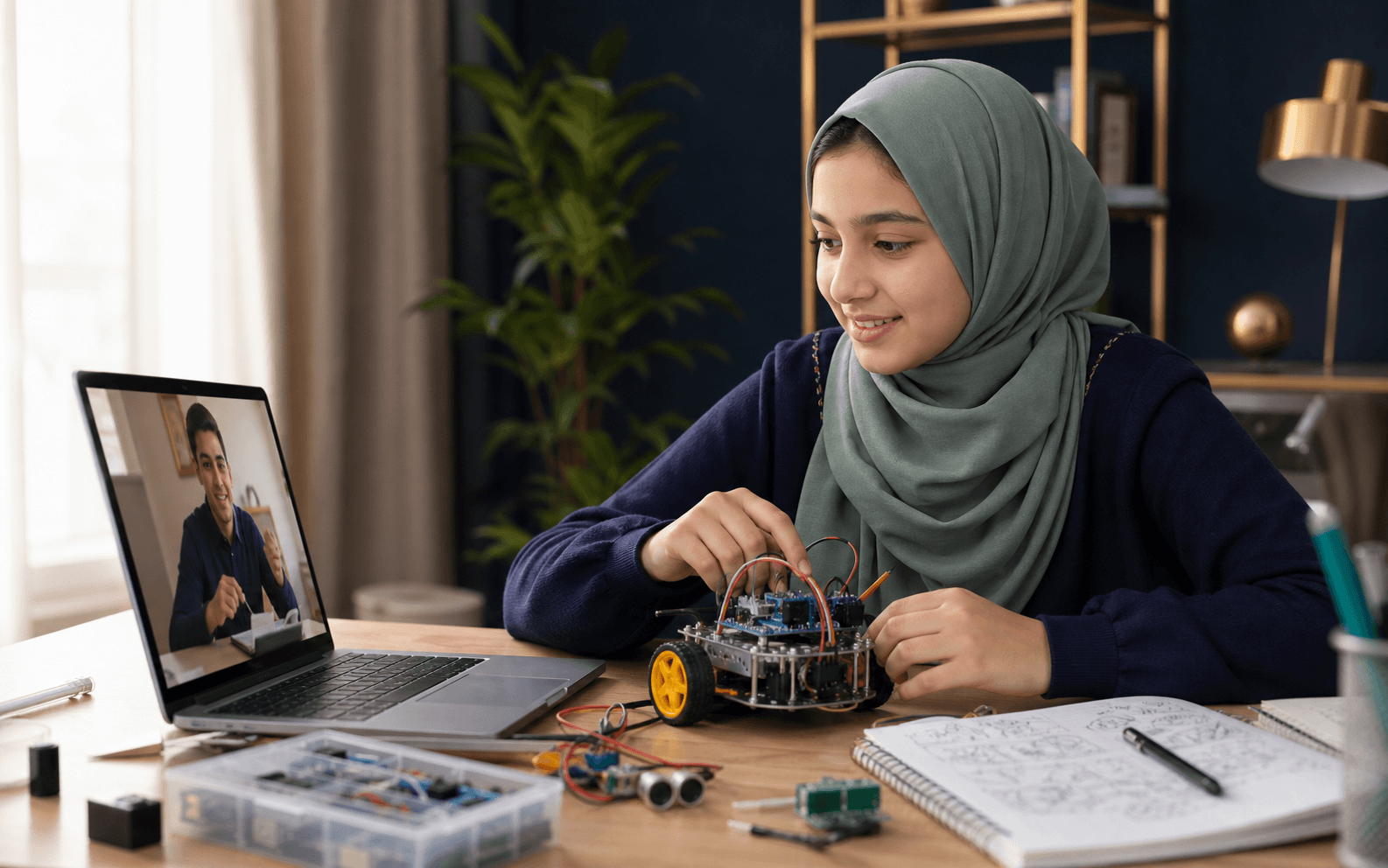
Who this pathway serves
Move from consuming technology to thinking, building, and improving with it.
Computer Science lessons use age-appropriate projects to teach durable ideas: decomposition, sequence, logic, data, testing, and reflection. The project is the context for learning—not a shortcut around understanding.
“Less passive screen time. More purposeful creation.”
This may fit learners who are
- Curious beginners who need a coherent starting path
- Learners moving beyond scattered coding tutorials
- Children who enjoy making but need stronger computational thinking
- Students ready to plan, test, debug, and explain their own projects
01FormatLive one-to-one project learning
02Starting pointAge, experience, device, and goals review
03PathBlock-based or text-based tools as appropriate
04EvidenceWorking projects plus concept understanding
What the learning is designed to build
Four outcomes that stay visible throughout the pathway.
The teacher may change the examples, pace, and sequence; the purpose of the learning remains clear.
Understand foundational programming ideas
Build and improve age-appropriate projects
Explain choices, debug patiently, and learn from mistakes
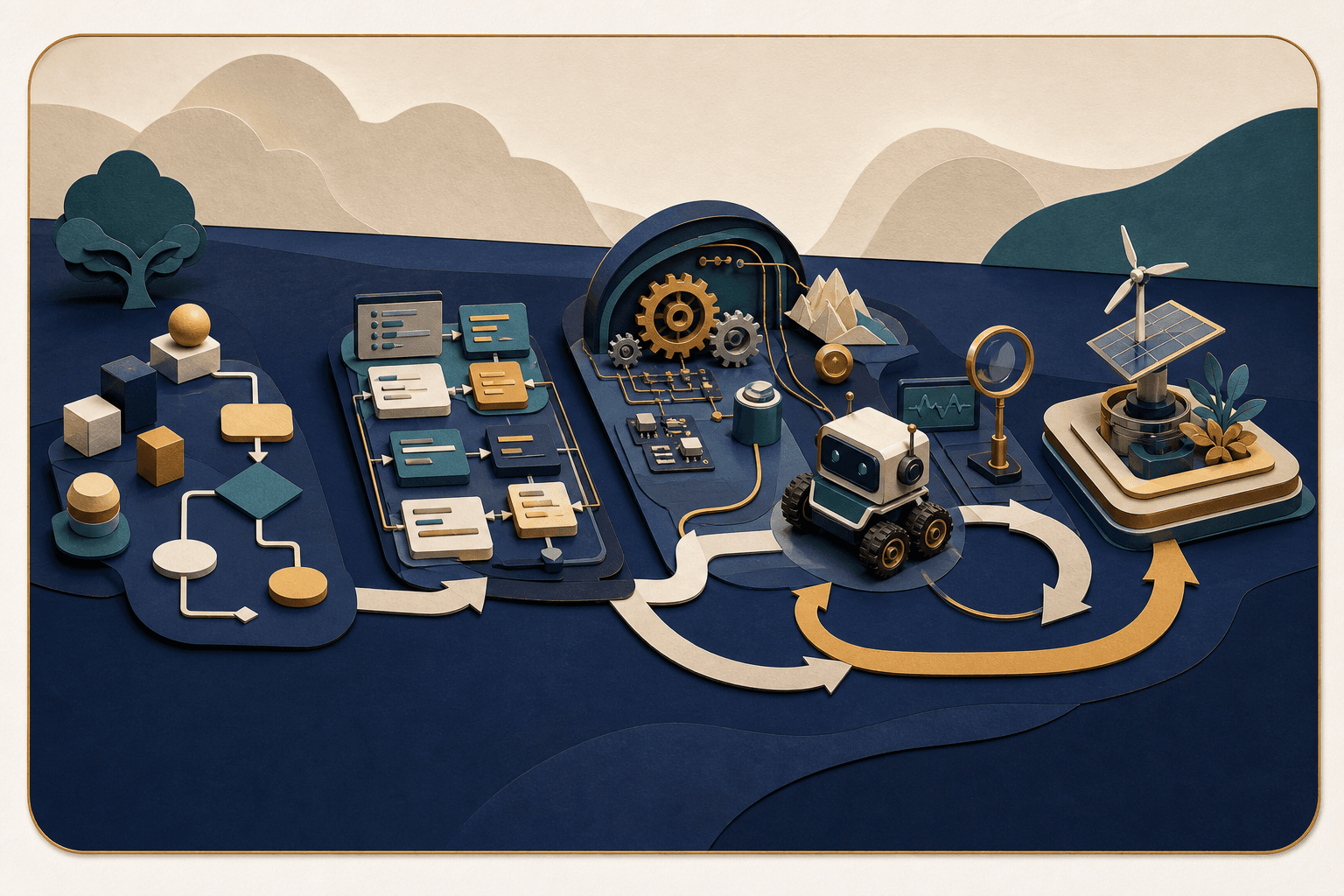
The curriculum map
Projects change; the thinking underneath them should transfer.
The exact platform and project type depend on age, prior experience, device access, and goals. Every pathway develops the same deeper habits: plan, decompose, build, test, explain, and improve.
Module01
Computational starting point
Understand prior experience, interests, device readiness, and how the learner approaches an unfamiliar problem.
- Following and creating sequences
- Recognizing cause and effect
- Using the learning environment safely
Evidence of learning
The teacher can recommend an appropriate tool, first project, and level of structure.
Module02
Logic and program flow
Turn an intended behavior into ordered, testable instructions.
- Sequence
- Events
- Conditions and repetition
Evidence of learning
The learner can predict what a program will do and change its flow deliberately.
Module03
Data and state
Use information that can change while a program runs.
- Variables or equivalent concepts
- Inputs and outputs
- Simple data organization
Evidence of learning
The learner can explain what information a project stores and how that affects behavior.
Module04
Decomposition and reusable thinking
Break a larger idea into smaller parts that can be built and checked.
- Planning components
- Functions or reusable blocks
- Interfaces between parts
Evidence of learning
The learner can describe the project's parts and build them in a reasoned order.
Module05
Testing and debugging
Treat errors as information and improve a project systematically.
- Reproducing a problem
- Forming a testable hypothesis
- Changing one factor and checking again
Evidence of learning
The learner uses a repeatable debugging process instead of random changes or immediate rescue.
Module06
Project build and reflection
Bring concepts together in a purposeful artifact and communicate the decisions behind it.
- Scope control
- Iteration
- Demonstration and explanation
Evidence of learning
The learner can show what they built, identify concepts used, and name a meaningful next improvement.
Inside a live one-to-one lesson
A live lesson alternates between thinking aloud and making something work.
The teacher does not take control of the learner's screen and build the project for them. Questions, demonstrations, and small challenges keep ownership with the learner.
Plan
Define today's behavior or project milestone and break it into a workable scope.
Build
Create one part while connecting actions to the concept being learned.
Test and debug
Observe what actually happens, isolate a problem, and improve deliberately.
Explain and commit
Demonstrate the change, explain a decision, and choose the next milestone.
Between lessons
The best between-lesson task produces evidence, not busy screen time.
Practice may be unplugged planning, a focused code change, testing, or a brief project milestone. Scope stays small enough for the learner to own.
Predict
Describe what a short sequence or change should do before running it.
Modify
Change one behavior using the current concept rather than copying a new project.
Document
Capture a bug, decision, test result, or next improvement in the learner's own words.
Progress with context
A finished project matters—but so does who did the thinking.
Progress looks at concept understanding, project ownership, debugging habits, explanation, and the learner's ability to transfer ideas into a changed task.
1
Concepts
Understanding of the computational ideas used in the current project.
2
Building
Ability to translate a plan into working components.
3
Debugging
Patience and method when behavior differs from the plan.
4
Ownership
How independently the learner explains choices and proposes improvements.
The guardian connection
Provide the environment; let the learner own the build.
A guardian helps with device readiness, schedule, and healthy technology habits. The teacher guides the learning path, and the child remains responsible for thinking and creating.
Parents help provide a suitable computer and consistent lesson time. UmarCode guides the learning path so the child is not left alone with disconnected tutorials.
Before
Prepare the agreed computer, charger, software access, and a focused workspace.
During
Allow mistakes and debugging while remaining available for appropriate supervision.
Between
Protect a short project window without turning it into unrestricted screen time.
At review points
View what the learner can explain, not only how polished the project looks.
An honest fit conversation
A clear yes—and the questions worth discussing first.
The Family Learning Call is designed to understand fit, not force every learner into the same program.
Likely a good fit
- Your child wants to create rather than passively consume
- You value concepts and problem-solving alongside projects
- The learner can use an appropriate computer with guardian support
- You want a coherent path beyond disconnected tutorials
Discuss with us first
- The learner only has access to a phone or tablet
- You need a specific certification, school credit, or competition preparation
- The project requires paid hardware, specialist software, or advanced prerequisites
Computer Science questions
Details families often want to understand before beginning.
Which programming language or platform will my child use?
That depends on age, experience, device, and goals. A learner may begin with a block-based environment or move into text-based programming when it supports understanding rather than adding unnecessary friction.
Does my child need previous coding experience?
No. Beginners can start with sequence, logic, and age-appropriate projects. Learners with experience complete a starting review so the teacher can avoid repeating what is already secure.
Will every learner build the same projects?
No. Projects are selected to teach the intended concepts and may reflect the learner's interests, but scope and tools remain appropriate to the pathway and available device.
How do you manage screen time?
Lessons use purposeful creation, conversation, planning, and reflection. Between-lesson work is scoped rather than open-ended, and some computational-thinking activities may happen away from the screen.
Another Dunya pathway
Mathematics
Focused Mathematics support that helps learners understand ideas, explain their reasoning, and approach problems with greater confidence.
Explore MathematicsBegin with clarity
Talk with us about Computer Science.
Book a free conversation about your child’s goals, current level, and the right next step. No pressure to enroll.
Book a free learning callFree conversation · No pressure to enroll